Search gift cards...
Back to Home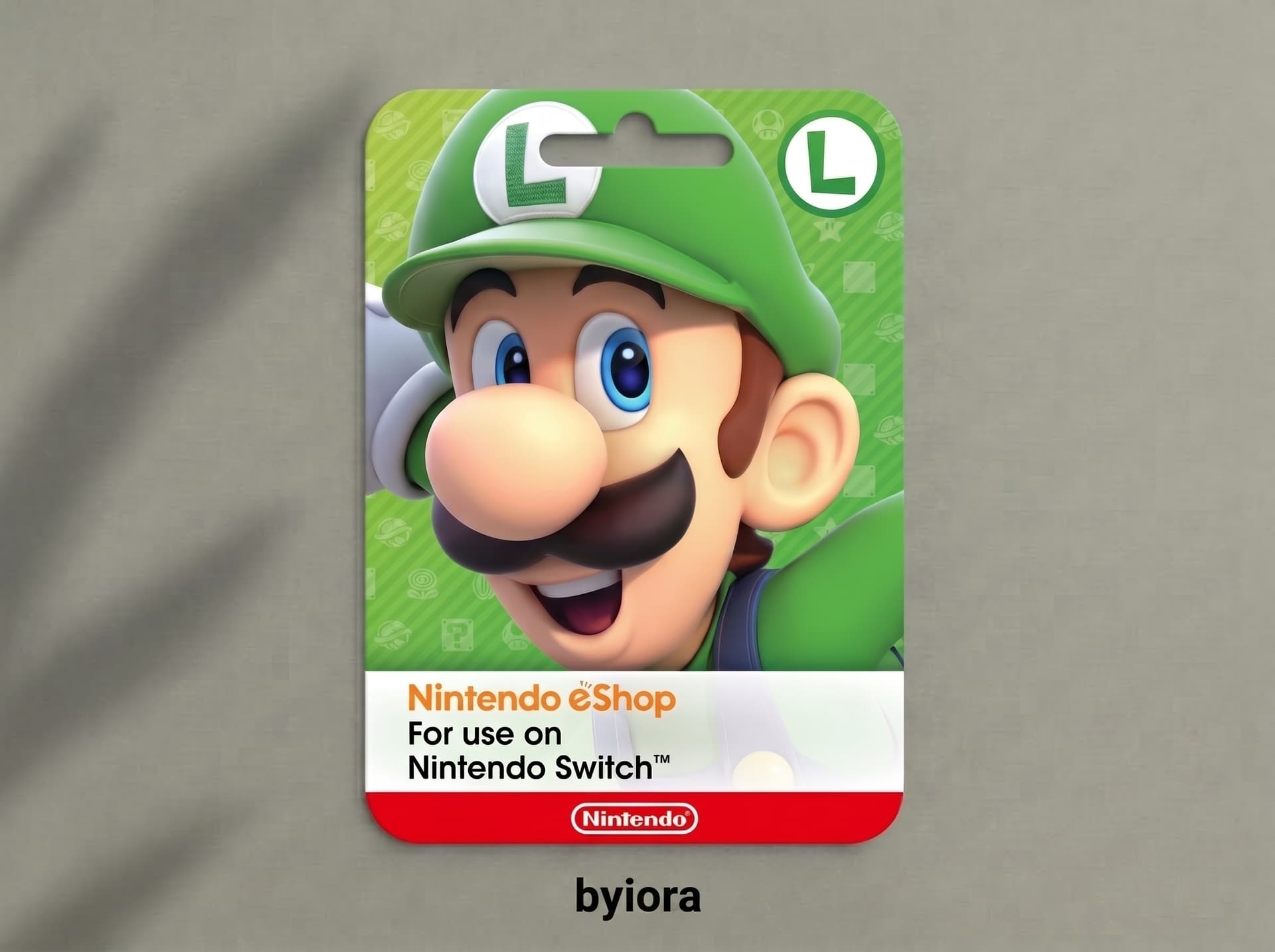
Nintendo eShop Gift Card
- Region: US (USD)
- Delivery: Code emailed to you after payment
- Payment: eSewa, Khalti, Fonepay QR or mobile banking (NPR)
1
Select voucher
Best Seller
2
Contact Information
Make sure your email address is correct, we will use it to send your order confirmation and the digital code.
3
Select payment
By clicking "Proceed to Payment", I acknowledge that the purchase of this virtual item will be a license for its use, subject to the publisher providing this service and to their end user license agreement that I accepted.
Furthermore:
(i) I acknowledge that I have read, understand and agree to Byiora's Terms & Conditions and Privacy Policy, and
(ii) I understand and agree that all sales are final and non-refundable. For more details, please view our Refund Policy.
Furthermore:
(i) I acknowledge that I have read, understand and agree to Byiora's Terms & Conditions and Privacy Policy, and
(ii) I understand and agree that all sales are final and non-refundable. For more details, please view our Refund Policy.
Description
About this item
#HOW TO REDEEM:
STEP 1(On Console): Go to the Nintendo eShop from the Home Menu
STEP 2: Choose your user profile and Select Redeem Code (or Enter Code).
STEP 3: Input the 16-character code (no hyphens).
STEP 4: Confirm, and your balance or content will be added.
STEP 5(Online via browser): Visit the Nintendo redeem page (https://ec.nintendo.com/redeem/#/ ) in a web browser
STEP 6: Sign in with your Nintendo Account (must have accessed the eShop at least once).
STEP 7: Enter your 16-digit code and click Next.
STEP 8: Re-enter your password if prompted, then confirm the redemption. You will receive a confirmation email.
NO RETURN OPTION: Gift cards bought on Byiora cannot be returned or refunded.
Frequently Asked Questions
We support secure local payment options widely used in Nepal, including eSewa, Khalti, IME Pay, and direct bank transfers.
Yes, visit ec.nintendo.com/redeem, sign in to your Nintendo account, and enter your code.